> For the complete documentation index, see [llms.txt](https://indicators.agenatrader.com/llms.txt). Markdown versions of documentation pages are available by appending `.md` to page URLs; this page is available as [Markdown](https://indicators.agenatrader.com/standard-indicators/moving-averages/tema-triple-exponential-moving-average.md).
# TEMA - Triple Exponential Moving Average
#### Description
The TEMA is combined from a single, a double and a triple EMA. This combo improves the delay between the indicator and price movements. The Triple Exponential Moving Average is quite efficient at smoothing price changes.
You can find more information about moving averages here: [*Moving Averages*](https://agenatrader.github.io/AgenaIndicator-documentation/indicators_oscillators/#moving-averages).
#### Usage
```csharp
TEMA(int period)
TEMA(IDataSeries inSeries, int period)
TEMA(int period)[int barsAgo]
TEMA(IDataSeries inSeries, int period)[int barsAgo]
```
#### Return value
**double**
When using this method with an index (e.g. **TEMA**(14)\[**int** barsAgo] ), the value of the indicator will be issued for the referenced bar.
#### Parameters
inSeries Input data series for the indicator
period Number of bars included in the calculations
#### Visualization
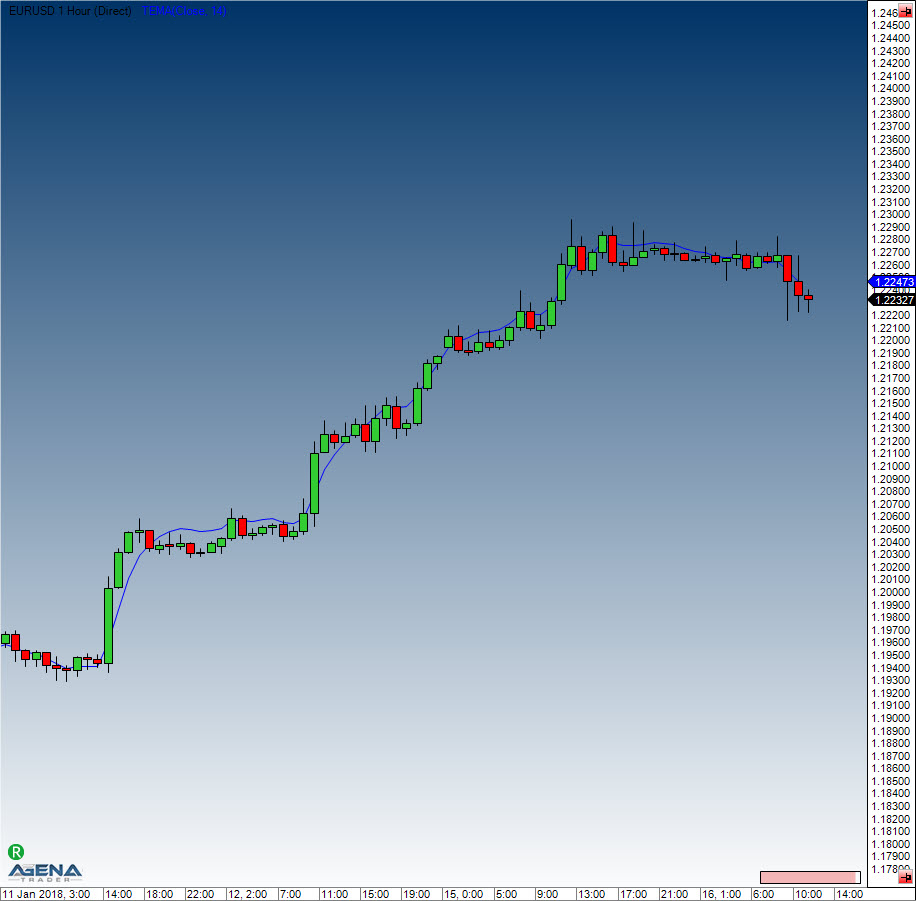
#### Example
```csharp
//Output for the Triple Exponential Moving Average
Print("The current TEMA value is " + TEMA(14)[0]);
```