> For the complete documentation index, see [llms.txt](https://indicators.agenatrader.com/llms.txt). Markdown versions of documentation pages are available by appending `.md` to page URLs; this page is available as [Markdown](https://indicators.agenatrader.com/standard-indicators/aroon-oscillator.md).
# Aroon Oscillator
#### Description
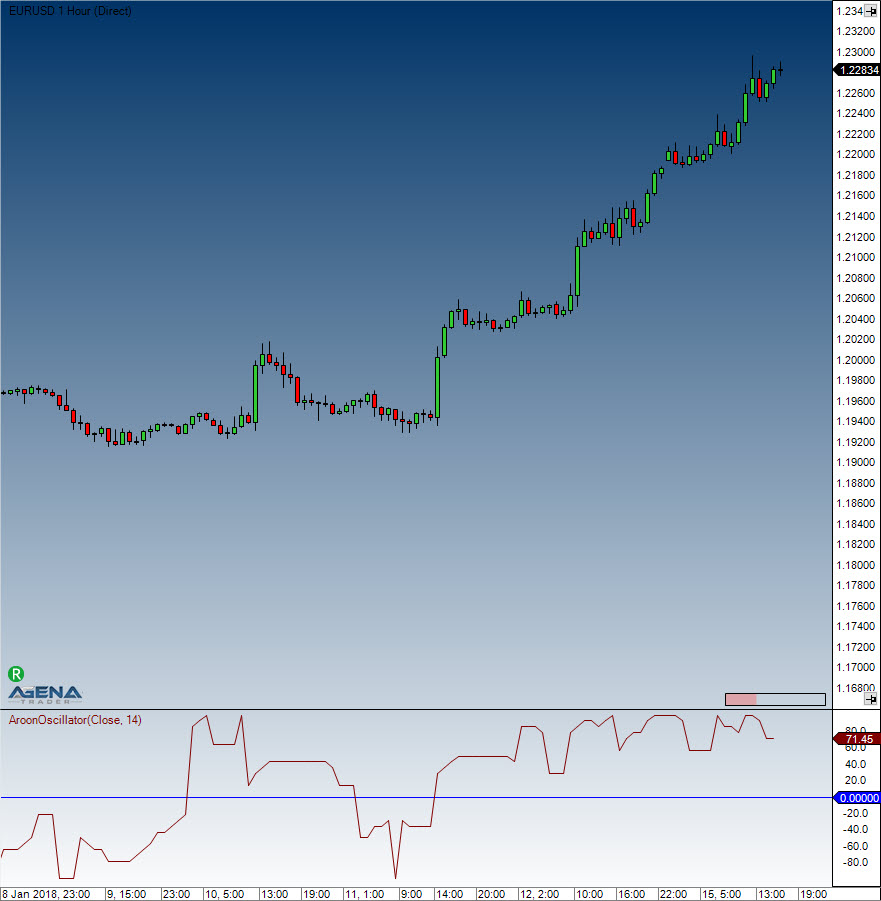
This oscillator is calculated by subtracting the Aroon-Down from the Aroon-Up. Usually, these two indicators are plotted next to each other for easy comparison, but traders can also view the difference between the two indicators using the Aroon oscillator, which can fluctuate between -100 and +100, with zero as the middle line. When the oscillator is positive, this indicates a bullish trend bias, whilst when the oscillator is negative, this shows a bearish trend bias. Chartists also have the option to extend the bull-bear threshold to spot stronger signals.
#### Interpretation
The Aroon Oscillator is ideally used as a trend filter and trend strength indicator. It is used analogously to the ADX Indicator.
#### Usage
```csharp
AroonOscillator(int period)
AroonOscillator(IDataSeries inSeries, int period)
AroonOscillator(int period)[int barsAgo]
AroonOscillator(IDataSeries inSeries, int period)[int barsAgo]
```
#### Return value
**double**
When using this method with an index such as (**AroonOcsillator**(20)\[**int** barsAgo] ), the value of the indicator will be outputted for the bar that was referenced.
#### Parameters
inSeries Input data series for the indicator
period Number of bars taken into consideration for the calculations
#### Visualization
#### Example
```csharp
//Output for the current value for a 20 period Aroon Oscillator
Print("Value for the oscillator is: " + AroonOscillator(20)[0]);
```